Week 44 · 26 Oct–1 Nov 2026
Standard eProposal layouts, contacts across accounts and Blocked rooms in eProposals
Arrange Standard eProposals your way
Standard eProposals can now be arranged like Luxury ones: reorder, remove or add back sections under Section arrangement, including the Programme timeline, which no longer has its own switch. Details placement can also move the customer’s details form to its own tab In the sidebar of the online eProposal.
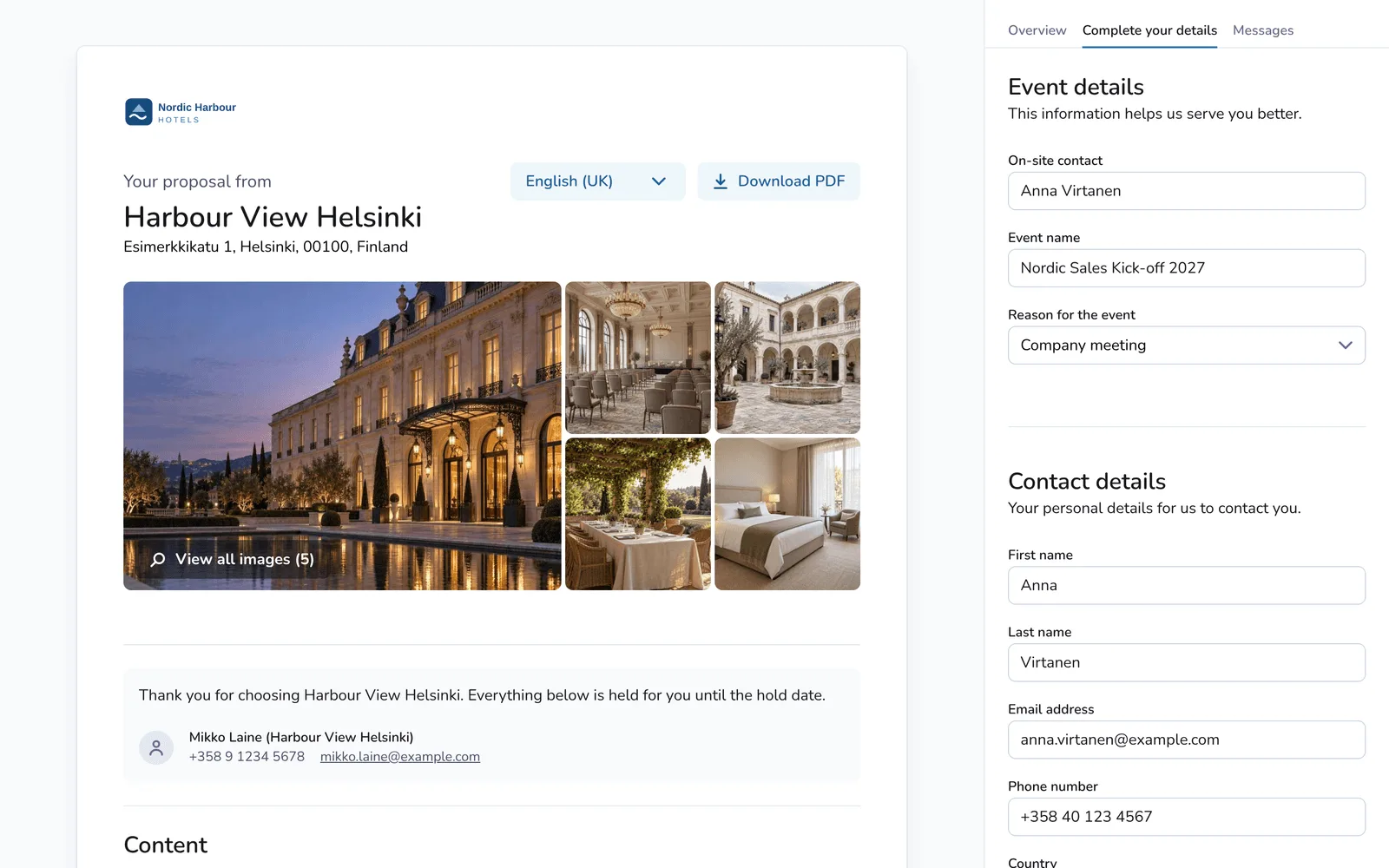
One contact for several accounts and agencies
A person can now be one contact linked to several accounts and agencies. On Clients → Customers, the Company field takes more than one account, and on the booking page and in New Booking on My Bookings, the Account contact and Agency contact fields now suggest matching people under Other contacts as you type.
Show Blocked rooms in eProposals
Organisation admins can now have customers’ eProposals show the Blocked room quantities and rates instead of the Agreed ones. If no room type in a booking has Blocked rooms, the Agreed rooms are shown. On selected plans, the customer’s rooming list shows the same Blocked rooms.
Improvements & fixes
- Sending eProposals: Sending an eProposal from a booking is now quicker; where Booking Owner under Organisation → Booking (organisation admins) is set to Proposal sender, save any other changes to the booking before you send, as sending no longer saves them.
- Destination search: Where available, when bookers type in the Booking Engine’s Destination field, the best matches now come first in their group, and longer lists open in full with Show all.